mejl

See less.
Read more.

Mejl separates Gmail into focused views. Open what matters now, read without the rest of your inbox competing for attention, and bring that view back to zero.
Mejl is also on iOS

Your inbox,
without the whole inbox.

Work, receipts, newsletters, and travel do not need your attention at the same time.
Work 2
Receipts 0
Newsletters 4
Travel 1
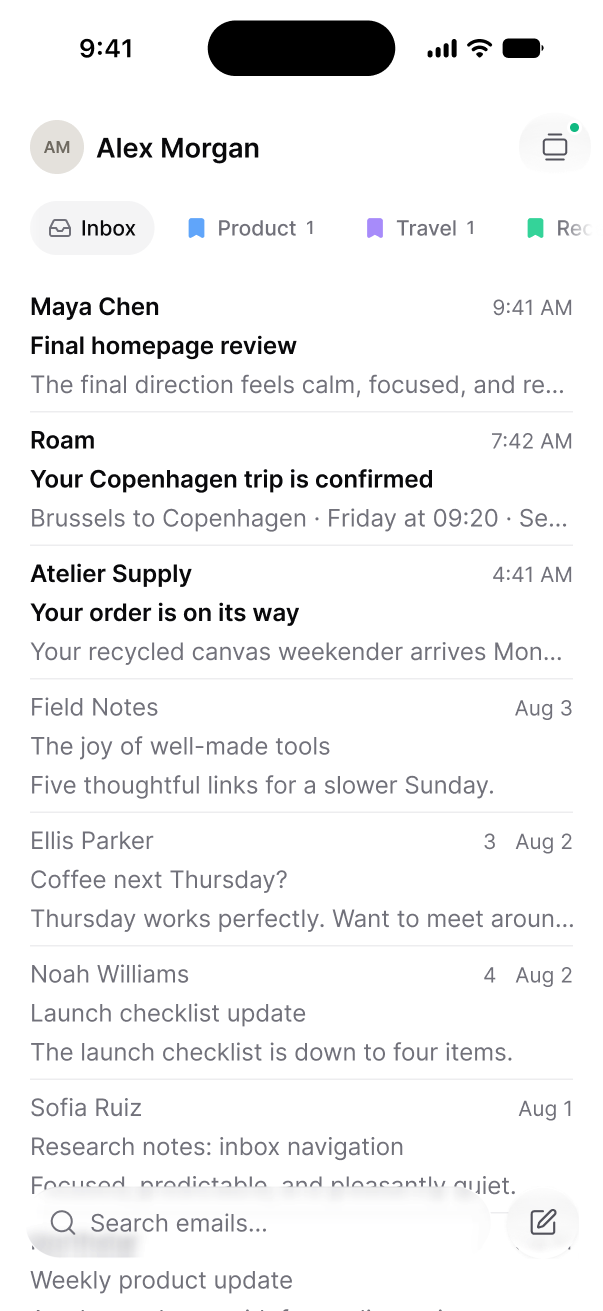
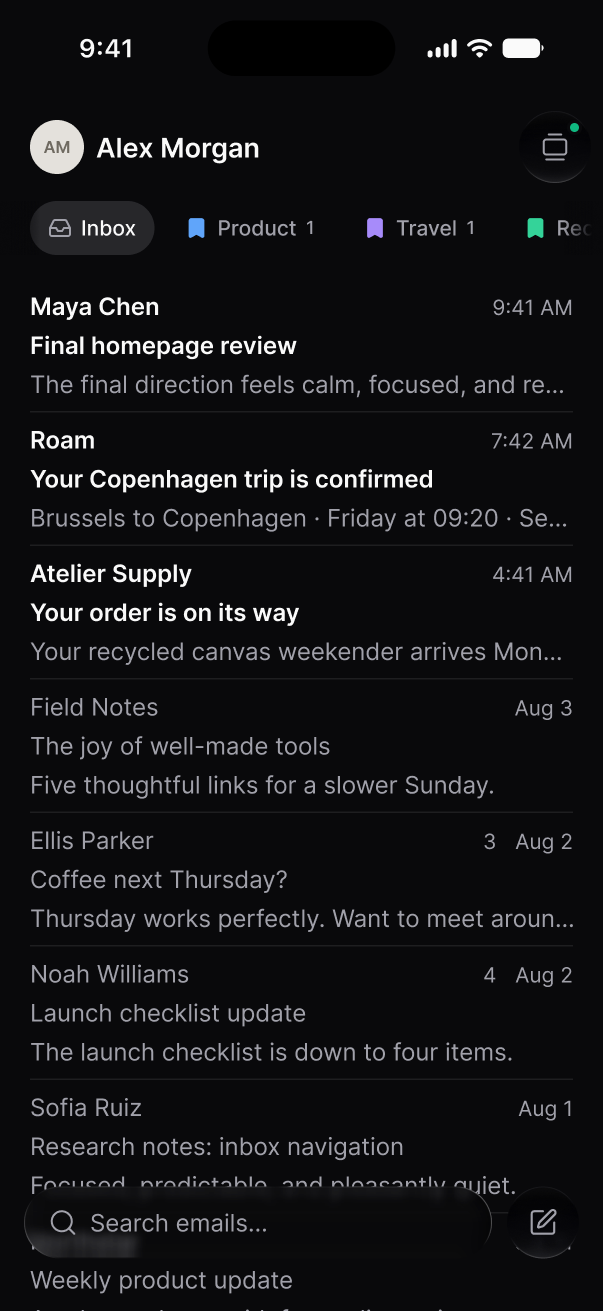
The Mejl inbox on a phone, with view pills above the thread listThe Mejl inbox on a phone, with view pills above the thread list
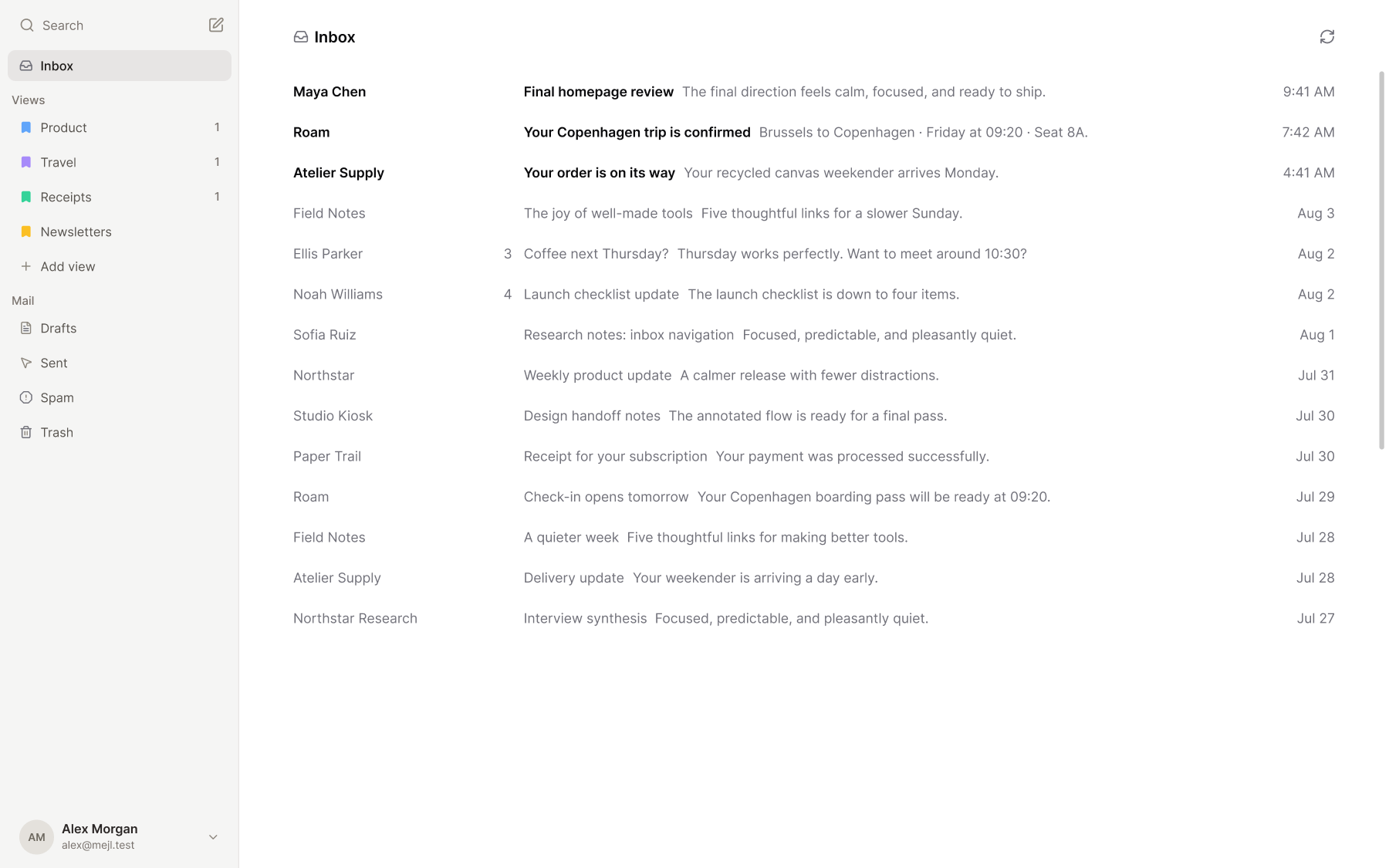
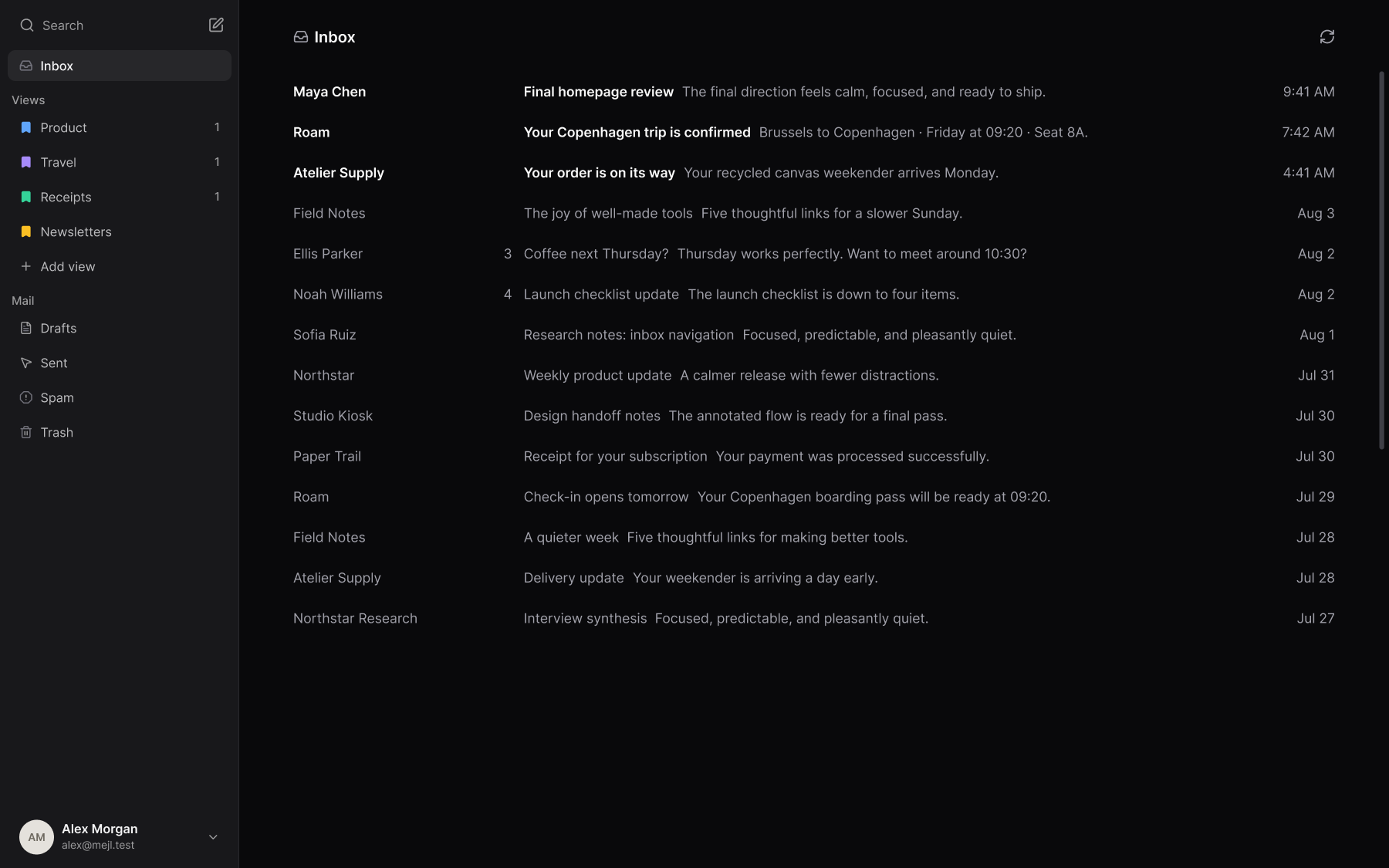
The Mejl web inbox, with label-based views in the sidebar and one view of mail openThe Mejl web inbox, with label-based views in the sidebar and one view of mail open

Your mail, in its place.

Set a few rules or describe what belongs together. Mejl keeps new mail sorted into your views.

Gmail filters, made simple.

Create rules you can read and change. Keep newsletters, receipts, and work in their own views.

Included on Free.
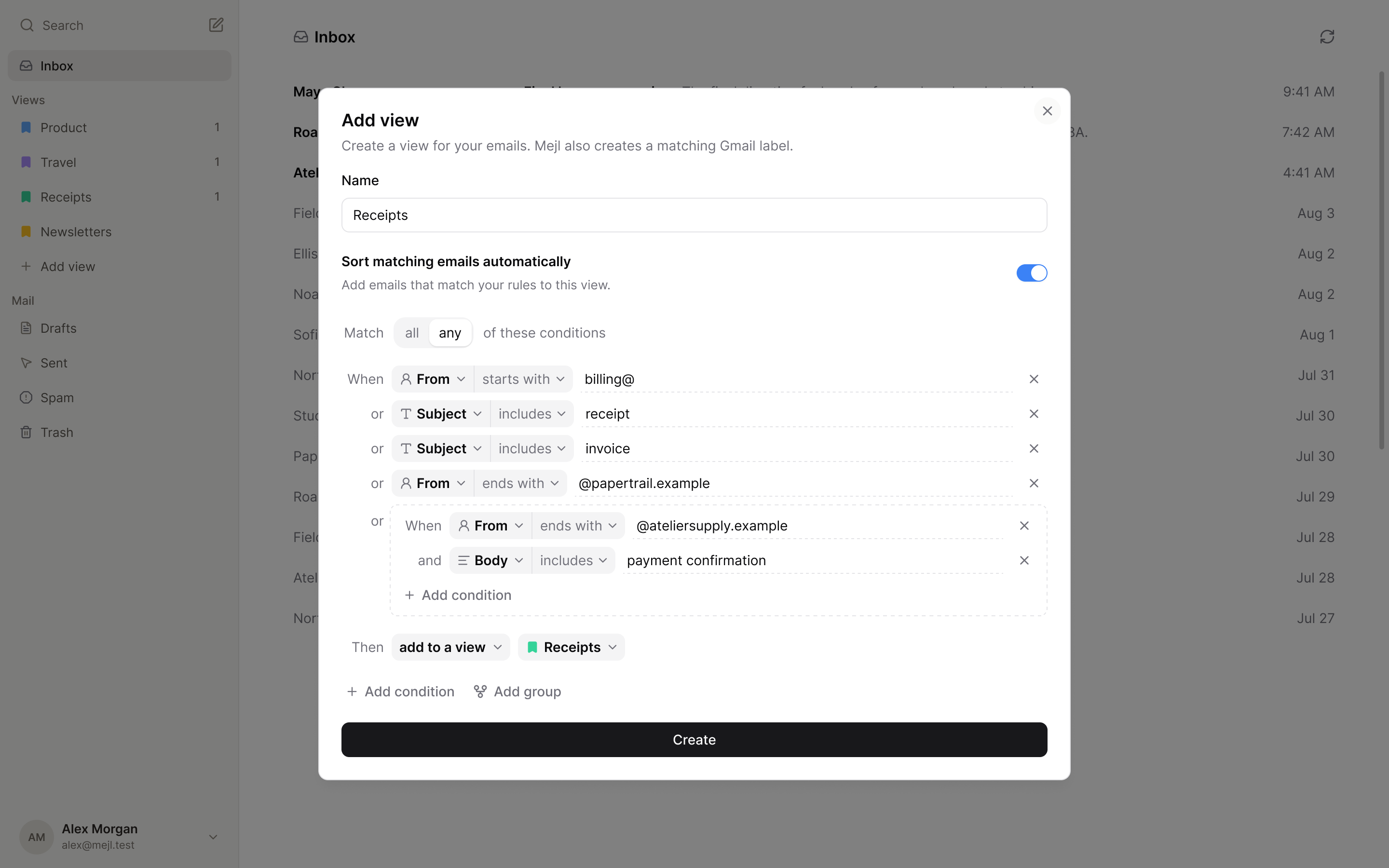
Create a Receipts view with sender and subject rules, plus a grouped sender and payment-confirmation condition.

Describe it. Mejl sorts it.

Tell Mejl what belongs in a view. It sorts new matching mail for you, from invoices to travel plans.

Included with Mejl Plus.
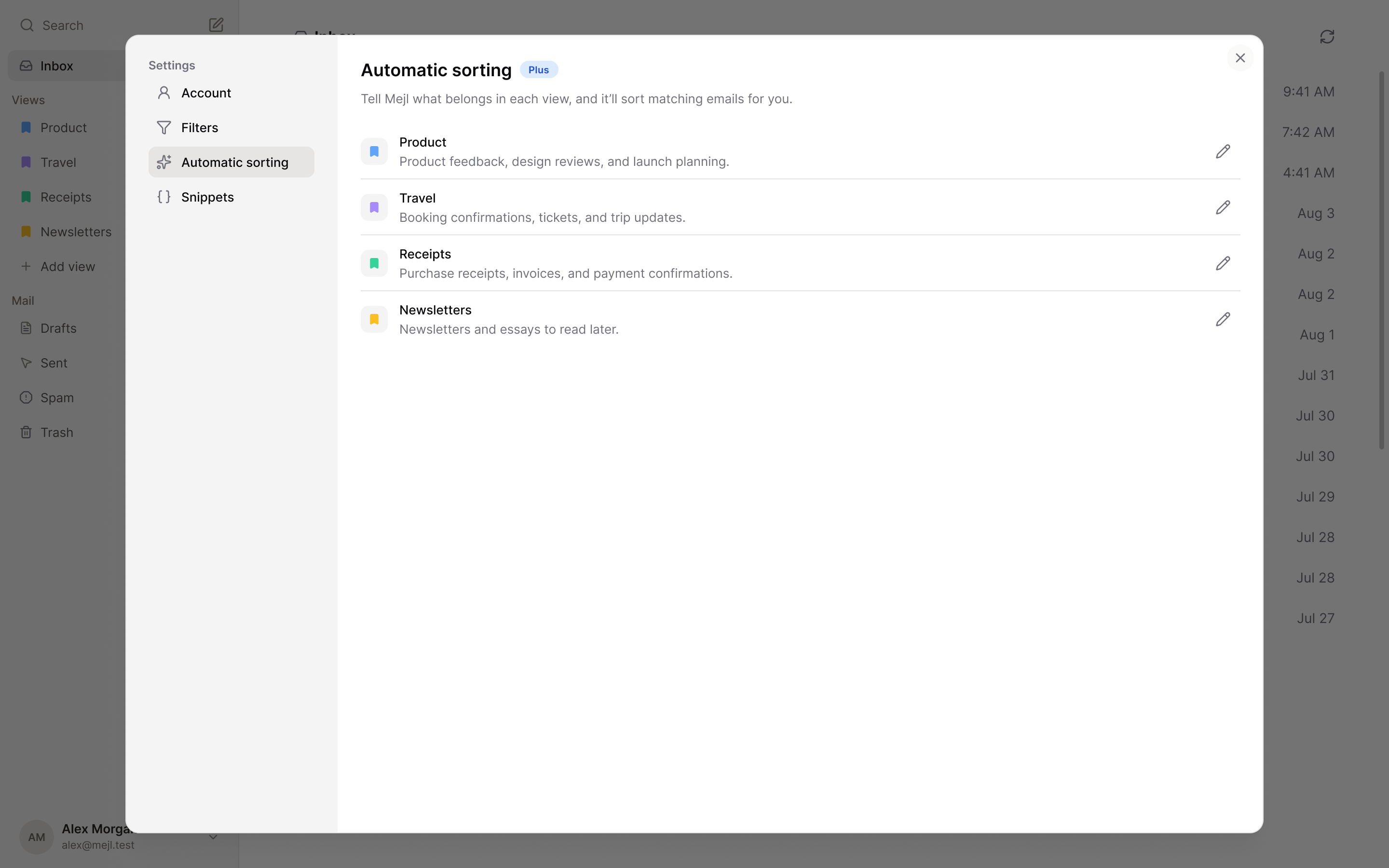
Mejl’s Automatic sorting settings, with example descriptions for Product, Travel, Receipts, and Newsletters.

Take one view with you.

Keep the same focused views, then move through unread one message at a time when you are away from your desk.

Your views, close at hand

Open the mail that matters without returning to one mixed inbox.

Read the next message

Swipe up when you are done. Stop when the view reaches zero.

Download on the App Store

Your Gmail stays
your Gmail.

Mejl opens the mail already in your account and keeps your messages, labels, and filters in Gmail. There is no separate mailbox to migrate or keep in sync.
Moving from Notion Mail? See what carries over.
Product
HomePricing
Resources
Help centerSupportSuperhuman alternativeFocused Gmail viewsMoving from Notion Mail
Legal
Privacy policyTerms of service